

Motionsmith · AI video
AI UGC video generator
Product reviews, unboxings and try-ons that look like a real customer filmed them. Create your AI influencer once, hand them your product, and make videos where they use it and talk about it.
- Made with
- Kling 3 Pro
- Veo 3.1 Fast
- Language
- English
- Length
- 5 or 6 seconds
- Price
- From 40 credits


- Kling 3 Pro
- Veo 3.1 Fast
How to make an AI UGC ad
- Create your AI influencer in Pixeloop, so the same face shows up in every ad.
- Make a photo of them holding your product: add a photo of the product and pick a scene.
- Turn that photo into a video with one line to say, like "Okay, three days with this serum and look at my skin."
A prompt to start from
A real UGC skincare review filmed on a phone: a woman in her mid-twenties in a cream tank top against a warm beige wall holds a serum bottle, pumps a drop onto her fingertips and pats it onto her cheek, smiling, and says in a warm, casual voice: "Okay, three days with this serum... and look at my skin!" Natural handheld feel, soft room tone. No text on screen.
Ideas to try
- Unboxing a parcel at the door
- Trying on a jacket in a mirror
- Applying a face serum
- The first sip of a new drink
- Before and after with a skincare product
AI UGC ad video kaise banaye
- Pixeloop mein apna AI influencer banao, taaki har ad mein same chehra ho.
- Apne product ki photo do aur influencer ke haath mein product wali photo banao.
- Us photo se video banao aur ek line likho, Hindi, English ya Hinglish mein.
Questions
Will the face stay the same in every video?
Yes. Your AI influencer is made from one face, and every photo and video starts from it. Both samples here are Nora, made in Pixeloop.
Do I need to say the ad uses AI?
Instagram, TikTok and YouTube ask you to mark realistic AI content, and EU rules ask for it in ads from 2026. Add a label in your caption.
How much does one video cost?
Our sample was made on Kling 3 Pro. A 5-second video with sound costs 40 credits there, and Motionsmith shows the price before you press Generate.
Can I post these videos on Instagram and YouTube?
Yes. What you make in Pixeloop is yours, including for commercial use.
More trending AI videos
 AI talking food video generatorVegetables and fruit that talk and share a health tip.
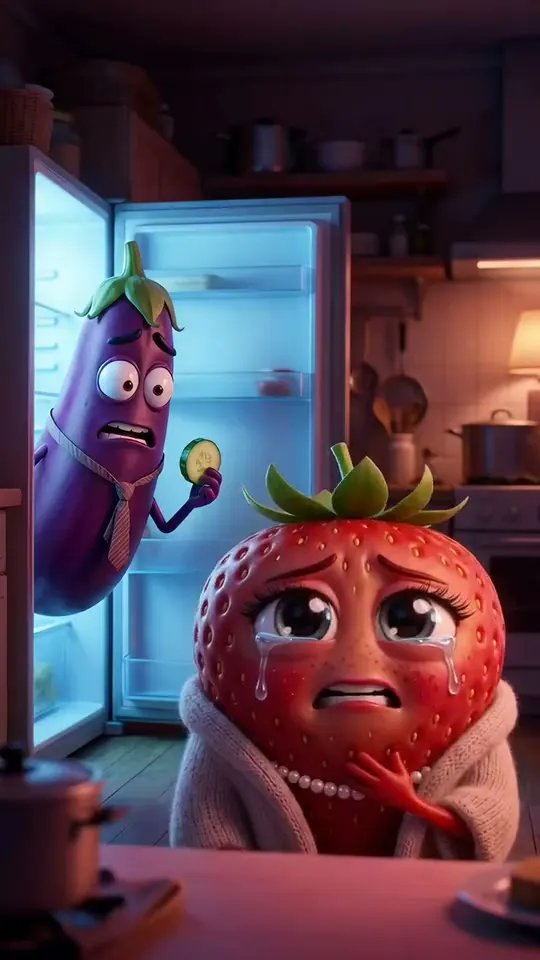 AI fruit drama makerSoap operas starring fruit, like Fruit Love Island.
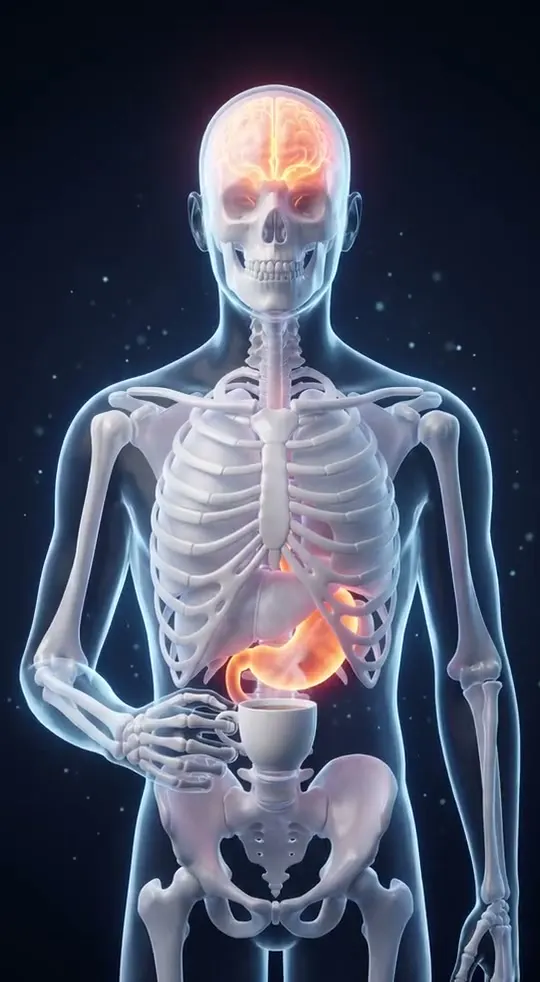 AI skeleton video generatorA see-through body that shows what a habit does inside you.
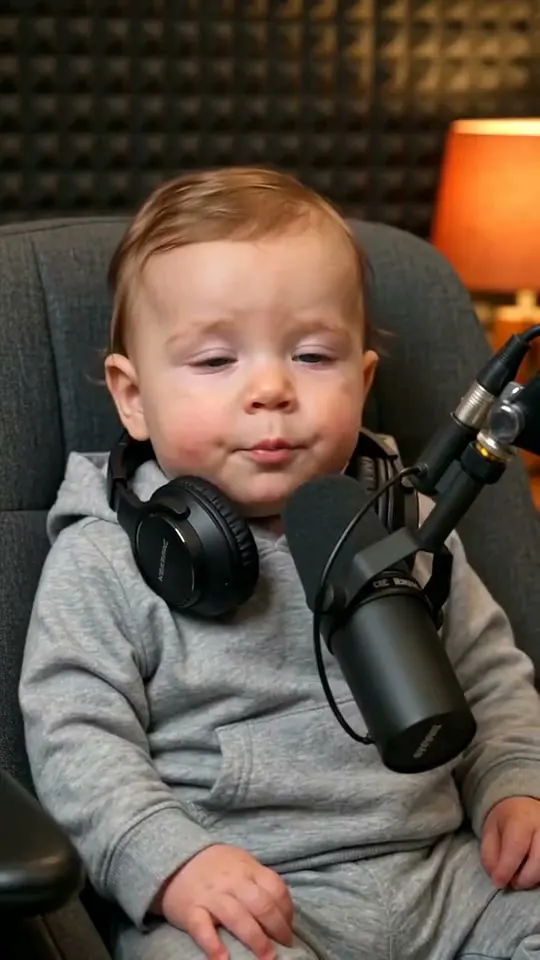 AI baby podcast generatorA baby at a podcast mic, saying grown-up things.
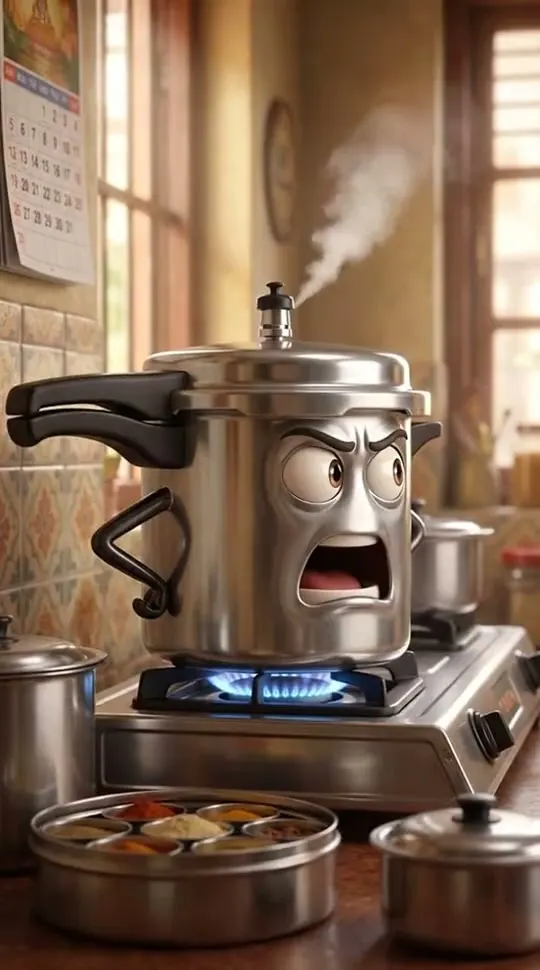 AI talking object video generatorEveryday things with a face, a voice and an attitude.
 AI POV history video generator"POV, you wake up in…" history, seen through your eyes.
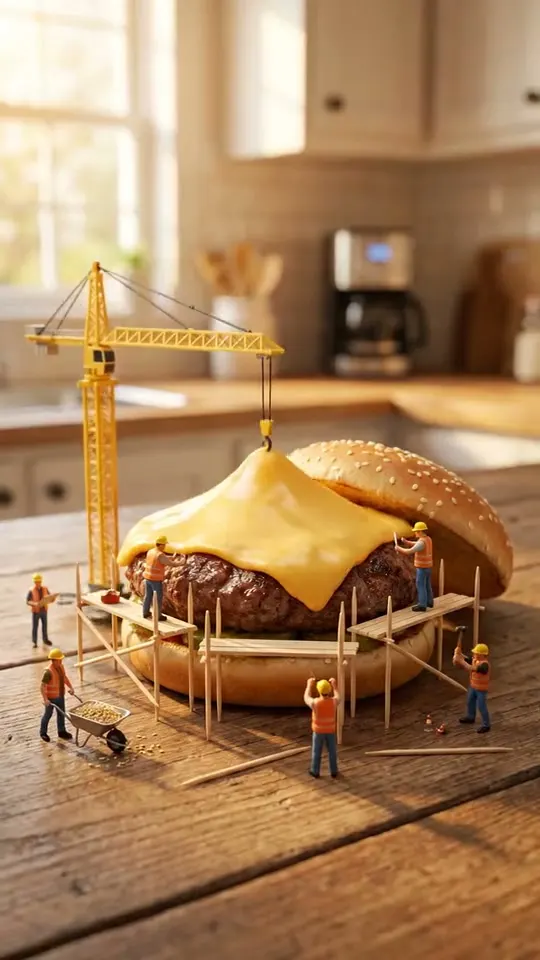 AI miniature video generatorTiny people doing big jobs on everyday things.
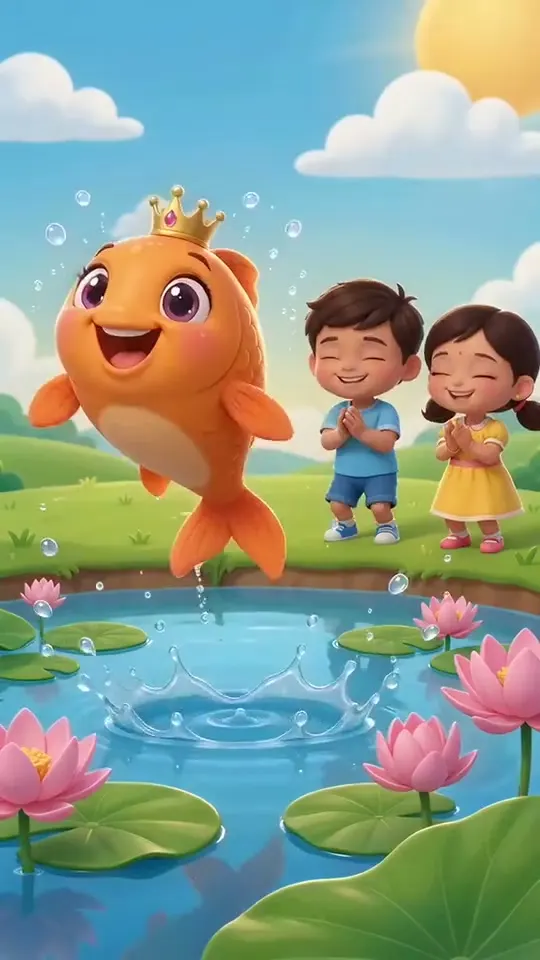 AI nursery rhyme video generatorBright 3D rhymes for kids, sung in Hindi or English.
 AI stickman animation generatorComic stick figures acting out funny everyday stories.